Fort Point Room AV
Fort Point Room AV Guide
- Your large collaboration Meeting room is a divisible space.
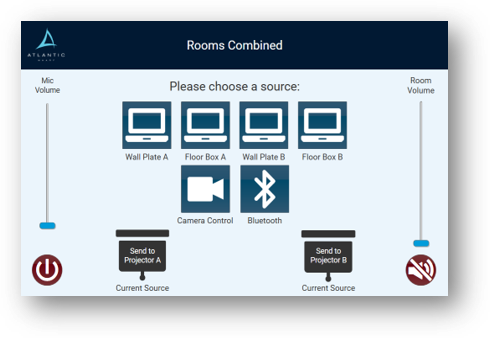
- The rooms technology automatically “divides” the space and/or “combines” the spaces when the wall is folded back so that each sides touch panel works independently or as one room when the wall is in place using the “A” side touch panel.
- When divided, they are referred to as “A” and “B”.
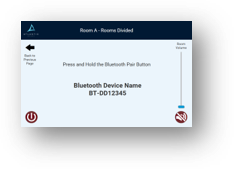
- When divided, they operate identically with one exception – the “B” side does not have Bluetooth.
- When combined Bluetooth is available.
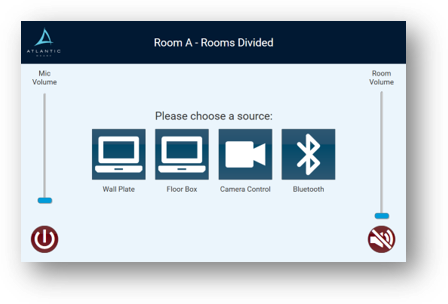
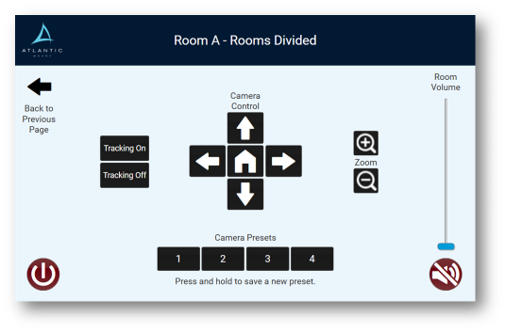
- The following instructions depict “Room A” at the top but are applicable to both A and B when divided.
- Using Podium: plug into your source and plug your laptop into the HDMI for content sharing
- Audio – wired mics plug into wall plate or use wireless mics (don’t forget to turn them on)
- You may need to change your laptop device settings to use room camera and room mics
- In a divided state you sources for sharing content are the wall plate or the floor box or Bluetooth in “A” side only
- plug into your source and plug your laptop into the HDMI for content sharing
- On “B” side; Bluetooth is not available